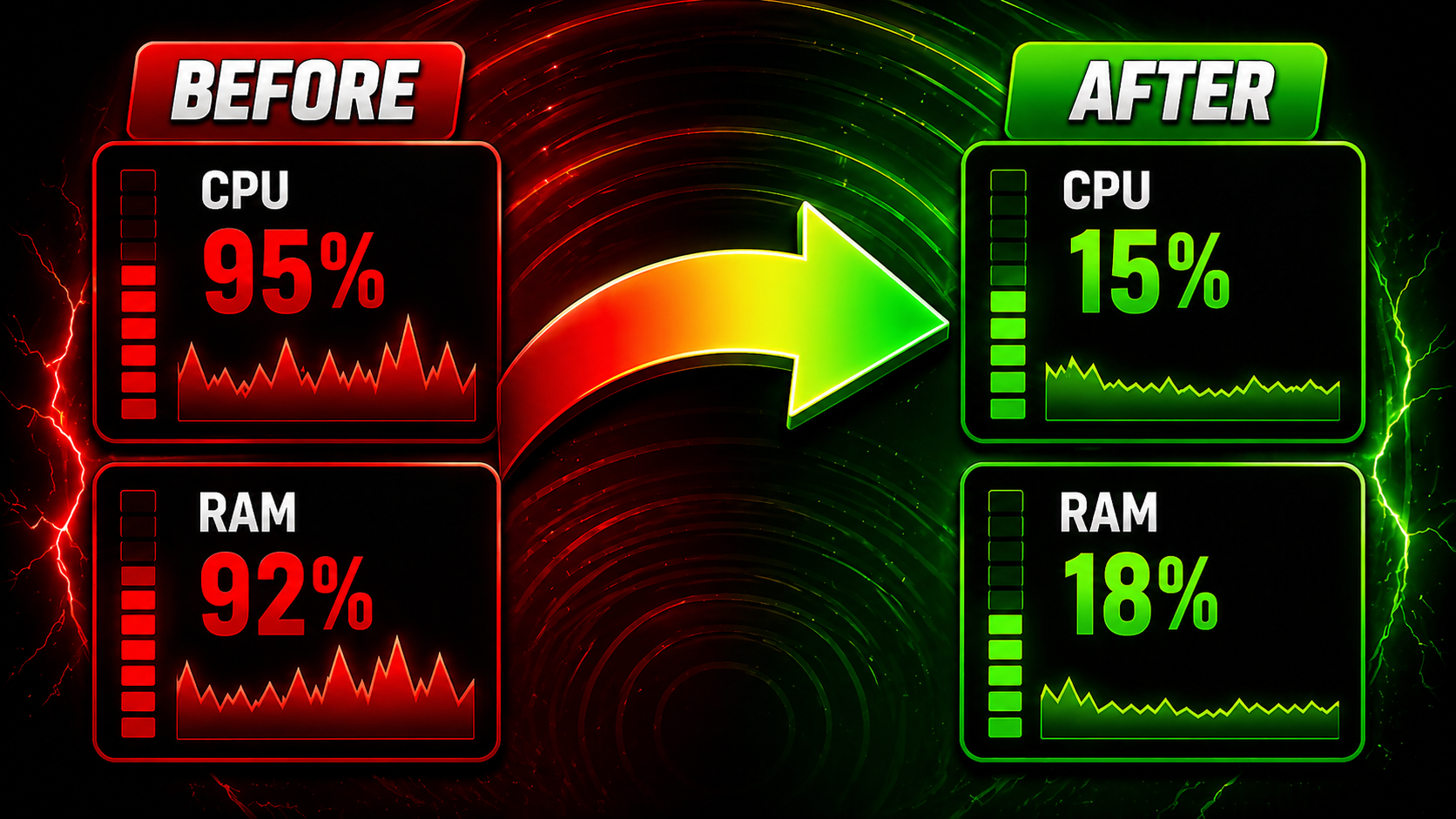
OPTIMIZATION ALL GAMES ( REDUCE RAM, CPU) - GOOD FOR OPENING MANY GAMES.
UNDETECTED
149+ Customers
Safe & Secure
100% Undetectable
Instant Delivery
Get access now
Auto Updates
Lifetime updates
Price
~ US$ 0.91 – ~ US$ 12.73
Available now
VOLUME PRICING
Volume pricing for serious players
The more keys you buy, the less you pay per account. Discount applied automatically at checkout.
Title
Range
Discount
8.0% OFF
2
7.98%7.98%
12.0% OFF
3
11.97%11.97%
15.0% OFF
4
15.01%15.01%
19.0% OFF
5 +
19%19%
Each additional key activates an extra account slot — perfect for guilds, teams, and multi-account setups.
Description
🎥 Demonstration (English)
🎥 Demonstração (Português)
BlazerOptimizer — Smart Windows Optimization for Bots, Gaming & Heavy Multi-Tasking
Built for bot farmers, multi-client gamers, and power users who push their PCs. BlazerOptimizer gives you fine-grained control over how Windows distributes CPU, memory, power, and background services — without the snake-oil promises you see everywhere else.
What it actually does
Instance Balancer (CPU affinity) — pin every running instance of a process to dedicated CPU cores. Run 10, 20, even 30+ clients of the same game without them fighting for the same threads. Includes an Exclusive Mode that pushes other apps off the bot’s cores entirely.
RAM Reduction (working set + standby list + modified pages) — frees memory Windows holds onto after closing heavy apps. Same technique used by ISLC and pro tools, with a one-click button and an automatic mode that triggers when RAM gets tight.
Virtual Memory presets — smart pagefile profiles for Gaming, Multi-Tasking, Heavy Bot Farms, or fully automatic. No more guessing GB values. Includes restart prompt only when settings actually changed.
Power Plan switcher — instantly activate Ultimate Performance, High Performance, or Balanced. Built-in tooltips explain when each plan helps (sustained gaming, 24/7 bot farms, low-temperature setups).
Visual Effects optimizer — disable Windows animations, transparency, and shadows for snappier UI on weaker GPUs and integrated graphics. Reversible.
Cleanup — temp files, Windows Update cache, browser caches (Chrome/Edge/Firefox), thumbnails, logs, recycle bin. Estimates space before cleaning.
UWP Bloatware Removal — uninstall Candy Crush, Xbox Game Bar, Cortana, Copilot, and dozens of other shipped apps you’ll never use.
Privacy / Telemetry Killer — disable Microsoft telemetry services, Cortana lookups, Xbox services, lock-screen ads, activity history. Curated list with risk labels (Safe / Caution / Gamer-Bot OK).
Services Manager — disable non-essential Windows services with a “who needs it” hint per service. Fully reversible with one click.
Startup Manager — see and disable everything that auto-starts: Run keys, Startup folder, Task Scheduler, and Services in one unified list.
DNS Changer — switch to Cloudflare, Google, Quad9, or OpenDNS in two clicks. Reduces site-load latency and game-server connect times.
One-click Profiles — apply optimal combinations of all features for Gaming Mode, Bot Mode, or Normal Use. Always reversible.
Why this is different from “RAM cleaners” you’ve seen
Most “optimizers” are scams that claim to free 80% of your RAM with placebo buttons. BlazerOptimizer uses documented Windows APIs for everything it does — EmptyWorkingSet, NtSetSystemInformation, SetProcessAffinityMask, SystemParametersInfo, registry, WMI, and Win32 power management. Every action is reversible. Every risky operation creates an automatic snapshot.
We don’t promise miracles. We promise more bot clients running stably, fewer game stutters after closing other apps, and sane defaults for power plans and pagefile. That’s it.
Real benefits you can measure
Run 2-3× more bot clients on the same hardware before hitting OOM
Eliminate game stutters caused by Windows holding standby memory
Lower 1% lows in gaming when background apps stop fighting for CPU
Faster boot time after disabling unnecessary auto-start entries
~300-800 MB of RAM freed by killing telemetry and bloatware
What’s included
Single-license activation tied to your machine (HWID-based, anti-share)
Automatic updates — bug fixes and new features delivered silently
Multi-language interface (English, Português and more)
Honest privacy: telemetry is opt-in, off by default. Read our Privacy Policy and Terms inside the app.
Reversible everything — every destructive action saves a snapshot you can roll back from any time
Requirements
Windows 10 (1809+) or Windows 11 — x64 only
Administrator privileges (UAC prompt on first run)
~150 MB disk space
Internet connection for license activation; works offline for up to 7 days after activation
License options
Trial — short evaluation
Daily — for short campaigns or quick projects
Monthly — full access for 30 days, ideal for regular users
Quarterly / Yearly — better value for long-term bot farms and gamers
Lifetime — pay once, use forever, all future features included
Each license activates on the first login — your time only starts counting from the moment you actually use the key, never from when you bought it. Transfer between machines is allowed (5-hour cooldown for security).
⚠ Honest disclaimer about anti-cheat
BlazerOptimizer is not a cheat tool. It only adjusts settings the Windows Task Manager and Control Panel already expose (CPU affinity, memory, power plans).