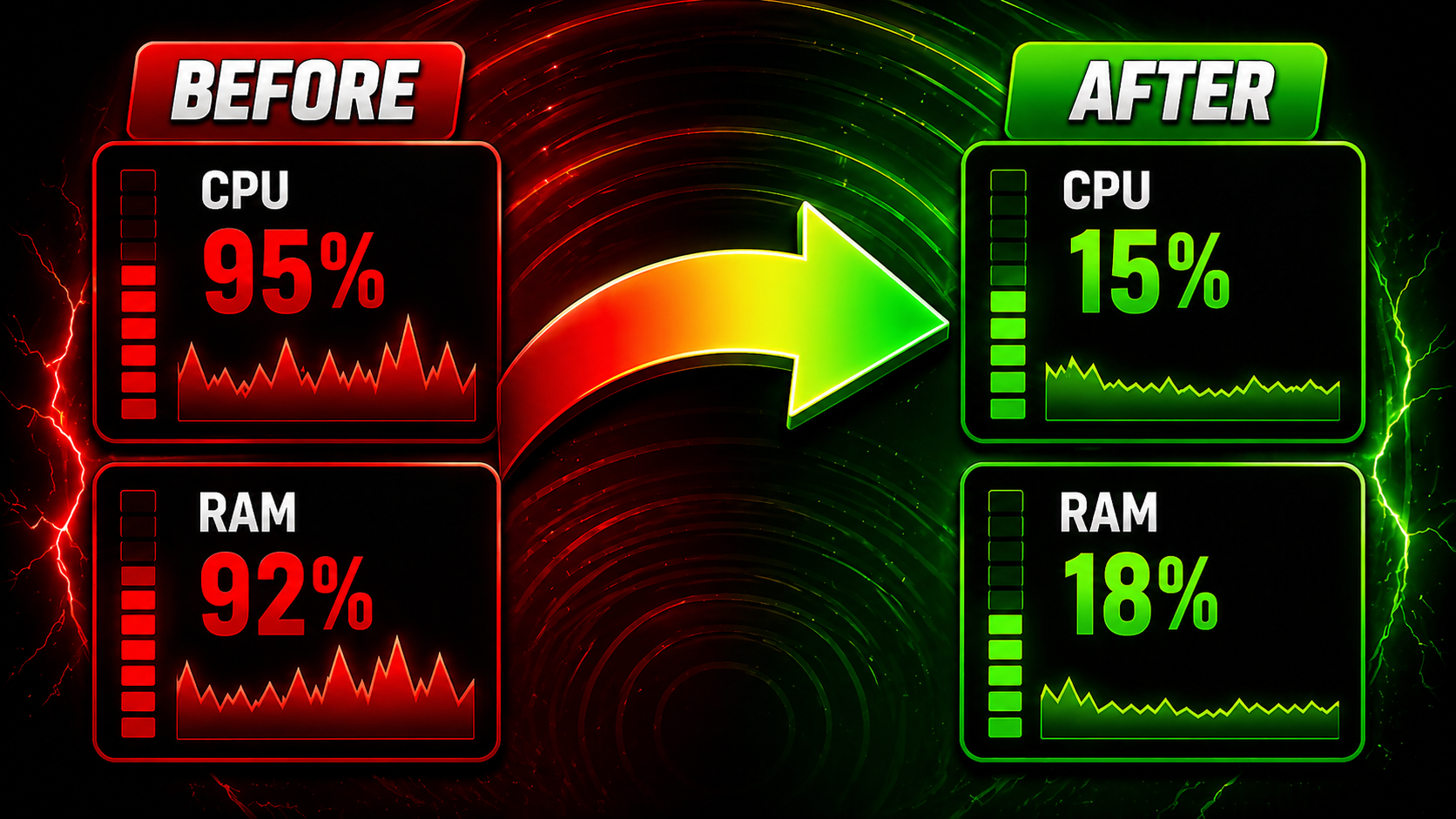
Built for bot farmers, multi-client gamers, and power users who push their PCs. BlazerOptimizer gives you fine-grained control over how Windows distributes CPU, memory, power, and background services — without the snake-oil promises you see everywhere else.
Pin every running instance of a process to dedicated CPU cores. Run 10, 20, even 30+ clients of the same game without them fighting for the same threads. Includes an Exclusive Mode that pushes other apps off the bot’s cores entirely.
Frees memory Windows holds onto after closing heavy apps. Same technique used by ISLC and pro tools, with a one-click button and an automatic mode that triggers when RAM gets tight.
Smart pagefile profiles for Gaming, Multi-Tasking, Heavy Bot Farms, or fully automatic. No more guessing GB values. Includes restart prompt only when settings actually changed.
Instantly activate Ultimate Performance, High Performance, or Balanced. Built-in tooltips explain when each plan helps (sustained gaming, 24/7 bot farms, low-temperature setups).
Disable Windows animations, transparency, and shadows for snappier UI on weaker GPUs and integrated graphics. Reversible.
Temp files, Windows Update cache, browser caches (Chrome/Edge/Firefox), thumbnails, logs, recycle bin. Estimates space before cleaning.
Uninstall Candy Crush, Xbox Game Bar, Cortana, Copilot, and dozens of other shipped apps you’ll never use.
Disable Microsoft telemetry services, Cortana lookups, Xbox services, lock-screen ads, activity history. Curated list with risk labels (Safe / Caution / Gamer-Bot OK).
Disable non-essential Windows services with a “who needs it” hint per service. Fully reversible with one click.
See and disable everything that auto-starts: Run keys, Startup folder, Task Scheduler, and Services in one unified list.
Switch to Cloudflare, Google, Quad9, or OpenDNS in two clicks. Reduces site-load latency and game-server connect times.
Apply optimal combinations of all features for Gaming Mode, Bot Mode, or Normal Use. Always reversible.
| Operating System | Windows 10 (1809+) or Windows 11 — x64 only |
| Disk Space | ~150 MB |
| License Activation | HWID-based, anti-share, single-license tied to machine |
| Languages | English, Português and more |
| Telemetry | Opt-in, off by default |
| Administrator Privileges | Required (UAC prompt on first run) |
Most “optimizers” are scams that claim to free 80% of your RAM with placebo buttons. BlazerOptimizer uses documented Windows APIs for everything it does — EmptyWorkingSet, NtSetSystemInformation, SetProcessAffinityMask, SystemParametersInfo, registry, WMI, and Win32 power management. Every action is reversible. Every risky operation creates an automatic snapshot.
We don’t promise miracles. We promise more bot clients running stably, fewer game stutters after closing other apps, and sane defaults for power plans and pagefile. That’s it.
Each license activates on the first login — your time only starts counting from the moment you actually use the key, never from when you bought it. Transfer between machines is allowed (5-hour cooldown for security).
BlazerOptimizer is not a cheat tool. It only adjusts settings the Windows Task Manager and Control Panel already expose (CPU affinity, memory, power plans).
Avaliações publicadas pela comunidade no Discord.
"Salvou demais mano, muito obrigado pela atenção!"

"Hello, At first, I had a lot of trouble setting up the bot because my language wasn't available, and some videos didn't have automatic translations for my language. However, the moderators and the entire team were there for me and helped get the bot configured very quickly. I recommend it 100%! ❤️"

"Super atencioso deu atenção para um caralho Obrigado mano só sucesso"

"@Hurricane A good guy—he’s always there to help with bot-related questions."

"your the best you install the bot for me and helped me out how to use it thank you 👌✨"

"Atendimento nota 1000! Gostaria de deixar meu registro sobre o excelente trabalho do . Desde o primeiro contato, ele foi extremamente prestativo, ágil e atencioso, superando todas as expectativas. Dá para ver de longe a dedicação e o carinho com que ele trabalha. Pessoas competentes assim elevam o nível de todo o luga…"

"@Hurricane A good guy—he’s always there to help with bot-related questions."
"your the best you install the bot for me and helped me out how to use it thank you 👌✨"
"Atendimento nota 1000! Gostaria de deixar meu registro sobre o excelente trabalho do . Desde o primeiro contato, ele foi extremamente prestativo, ágil e atencioso, superando todas as expectativas. Dá para ver de longe a dedicação e o carinho com que ele trabalha. Pessoas competentes assim elevam o nível de todo o luga…"
"Salvou demais mano, muito obrigado pela atenção!"
"Hello, At first, I had a lot of trouble setting up the bot because my language wasn't available, and some videos didn't have automatic translations for my language. However, the moderators and the entire team were there for me and helped get the bot configured very quickly. I recommend it 100%! ❤️"
"Super atencioso deu atenção para um caralho Obrigado mano só sucesso"